
What is JioHotstar APK?
Are you tired of finding the best platform to stream sports or entertainment media? If you're one of the users who want an all-in-one platform to stream desired media. Gladly, you don't need to buy multiple subscriptions to watch live sports or latest movies and series. You can watch everything at one place on JioHotstar APK Latest Version. It offers regional and international media. It ensures seamless fun with detailed audio, HD quality, and tons of incredible features. So what are you waiting for? Download it now and get your favorite plan for endless possibilities.
In 2026, JioHotstar Download APK Latest Version stands out as one of the best streaming platforms. Whether you want to stream live sports, movies, shows, series, and TV programs. JioHotstar fulfills all your streaming needs at one place. Here you can also stream global hits from HBO, Peacock, and Paramount, Disney, Pixar, Marvel, Star Wars, and National Geographic. It's free to download on Android, PC, Android TV and Firestick for daily excitement.
JioHotstar APK Screenshots
Here is a quick look at the JioHotstar APK before you download it. Swipe or use the arrows to see the home screen, hit TV shows, blockbuster movies, Tadka microshows, 4-screen streaming and the My Space profile page. Tap any screenshot to zoom in.
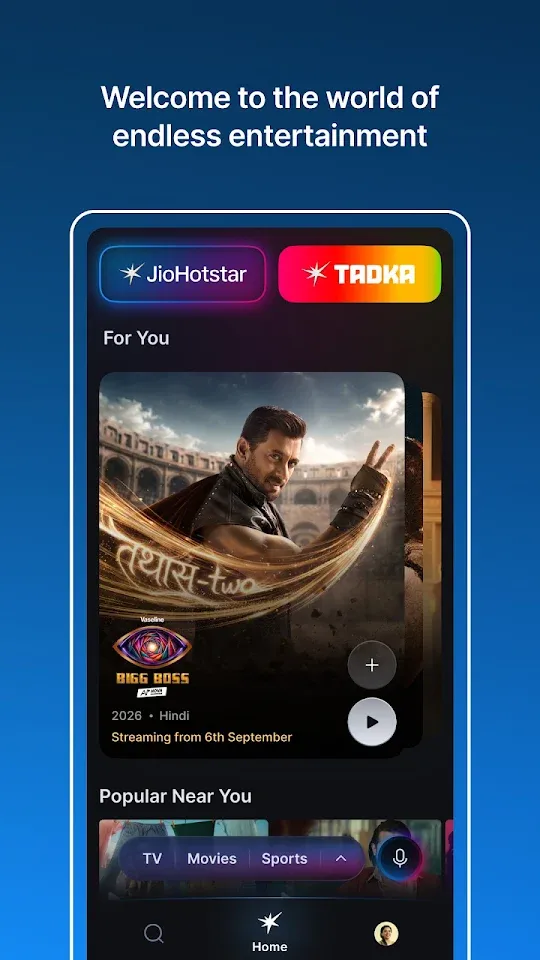
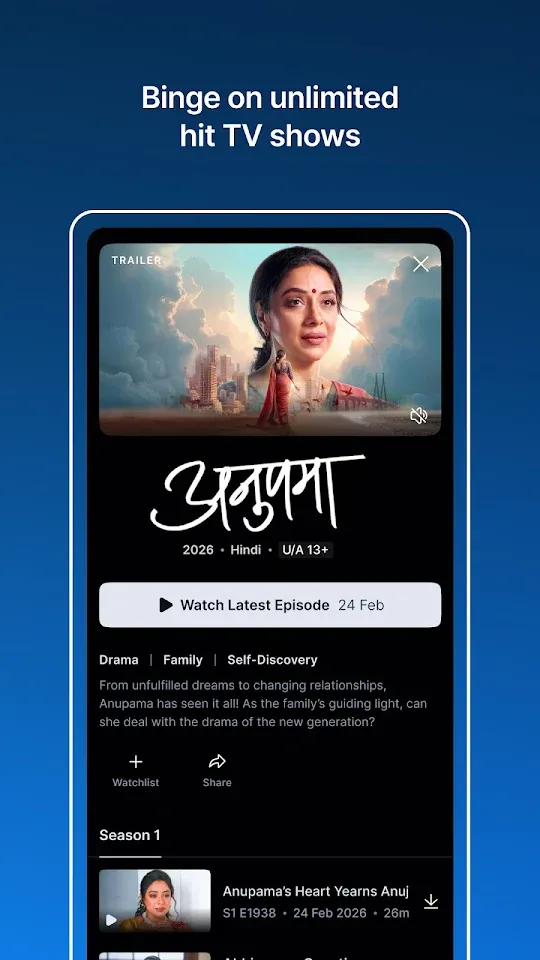
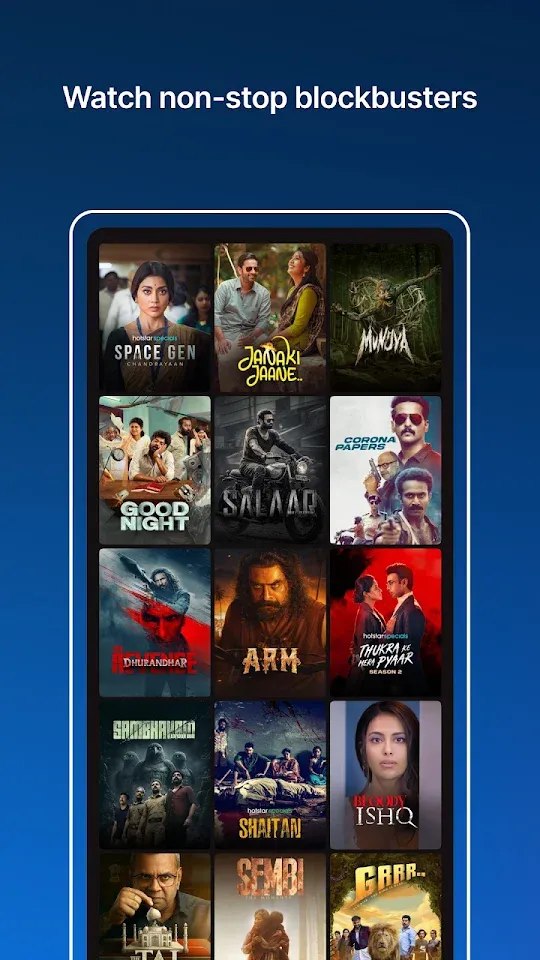
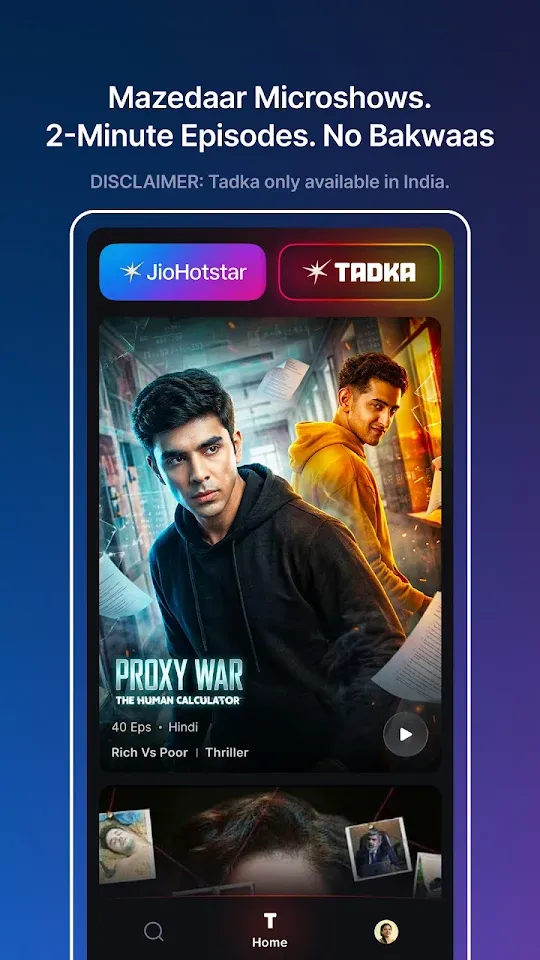
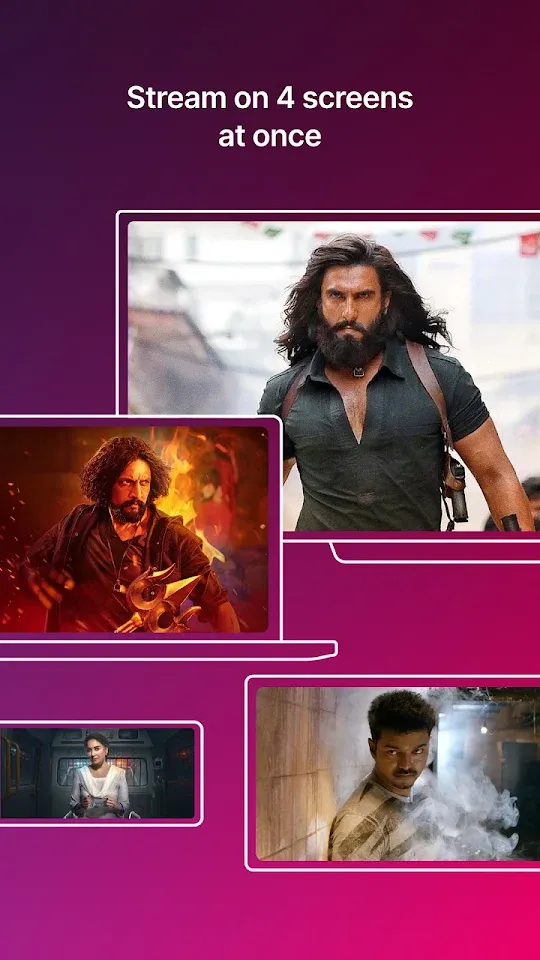
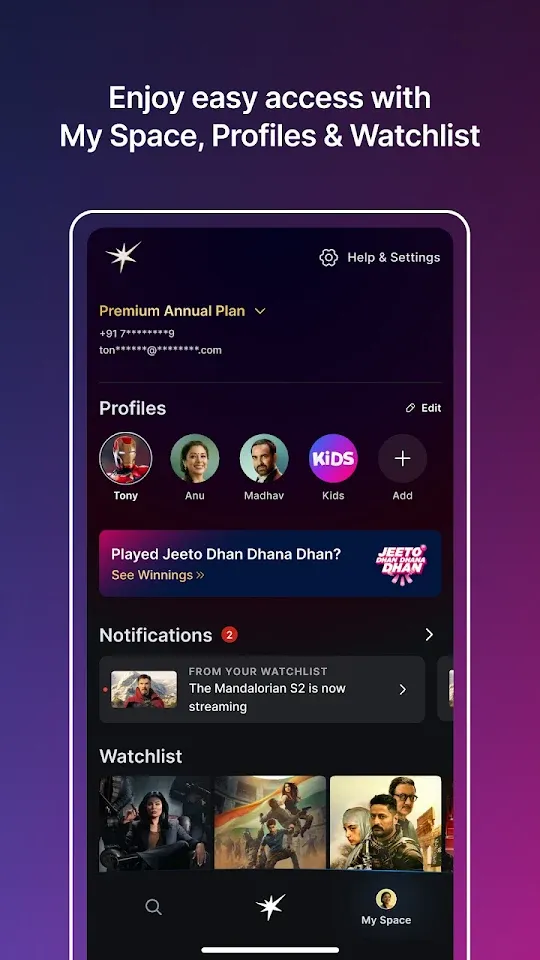
Screenshots: official JioHotstar app listing on Google Play. All rights belong to JioStar India Pvt. Ltd.
What's Special in the JioHotstar APK Latest Version 2026?
Jiohotstar APK stands out as a convenient platform for faster and more reliable streams. It comes with dozens of superb features to please audiences including:
Multimedia Platform
JioCinema and Disney+ Hotstar merged and resulted in JioHotstar. It satisfies entertainment seekers and sports lovers by offering movies, shows and sports now live in one app.
Extensive Library
It is trusted by 450M users and offers 300,000 hours of content including recorded media and live channels.
AI Snapshots
AI snapshots are introduced with Multiview at Reliance's 2026 AGM that uses smart techniques, making it faster and reliable to get key moments and information.
Compatibility
Ensures flexibility and convenience with mobile friendly layout and compatibility with PC, smart TV, and Firestick.
Hassle-free Navigation
It ensures real time engagement with your favorite shows, personalized recommendations, and lists trending content on top for seamless entertainment.
Worldwide Access
Expanded globally by introducing a new version for various countries including UK, Canada and Singapore with 160,000 hours of content in almost 12 Asian languages.
New Media
New movies, shows, and live streams are introduced on time. You can enjoy the latest titles available in Originals to kill your boredom.
Key Features of JioHotstar APK
Jiohotstar APK Download Latest Version comes with tons of outstanding features to add seamless thrill in your daily experiences. Let's break down some of its specifications that make millions of people love it.
Diversity of Content
It lists down movies, TV shows, sports, news, Originals, and other media. Whether you are seeking drama, comedy, horror, adventure, action or family entertainment. With almost 300,000 hours of content, it fulfills all your entertainment needs by always offering something special to watch.
Live Sports Streaming
JioHotstar download APK lets you watch live cricket, soccer and other sports on mobile and TV screens. Follow your favorite sports matches without delay with live score updates and match highlights. It's an ultimate choice for you as a cricket lover because its smooth live broadcasts ensure that you will enjoy every match without delay.
MultiView Dashboard
It features a wide dashboard style experience by displaying live channels and entertainment content. It allows you to choose between your favorite sports channels to watch live events on time and find newly released movies to kill your boredom in your free time.
Languages Support
It supports multilingual viewing in Hindi, English, Urdu, Telugu, Chinese, and other languages. It removes language barriers, lets users engage better while streaming worldwide media. This makes it perfect for users who prefer to stream international media to learn new cultures.
Supports High Media Quality
Now you can watch your favorite movies, TV shows, and live sports on the JioHotstar app with better visuals and audio. It supports 480p, 720p, 1080p, and 4K media quality for more excitement. With a stable WiFi connection, you can enjoy live sports and the latest entertainment media in full HD quality. Otherwise it also supports auto quality adjustment according to your internet speed to prevent buffering.
Dolby Atmos Audio
It makes streams remarkable with Dolby Atmos sound. You can use it with compatible headphones or speakers for more detailed, richer, immersive audio. It's perfect to double the excitement while watching movies or major sports events with friends and family.
Available without Internet
You can download movies, TV shows, series, dramas and other content on JioHotstar APK for offline viewing. If you're a traveler or living in areas with low signals, you can save media while the internet is available and watch it later to kill your boredom even when you are offline.
Free Content
On JioHotstar APK, you can continue streaming selected content without paying a single penny. You can watch it with minimal ads. As a newbie, you can take advantage of its free usage by enjoying your favorite shows and special sports events right at your fingertips.
Get Personalized Recommendations
Depending on your viewing habits, you will get relevant recommendations to stream. It displays movies, shows and series that match your taste. That way you can always find something special on it without hours of scrolling.
Easy to Find
Jio Hotstar Download APK has made browsing easier than before due to its simple categories and instant search engine. You can search title, actor, language or genre to find your match, or browse sections like Sports, Movies, TV and Originals to check what's trending and add it to your watchlist.
Subtitles and Audio Options
Remove the engagement gap by switching audio into your language. If you are watching movies in noisy places or in other languages, enable subtitles to understand every dialogue. It makes viewing more fun and makes foreign media easier to understand.
Watchlist and Continue Watching
It's perfect when you have an urgent piece of work or need to skip viewing due to other reasons. When you return to the app, it lets you resume where you left off. You can also add movies and shows to your watchlist, which makes it easier to find something to watch on weekends from your personal collection instead of scrolling the dashboard.
Regular Updates
Hotstar Premium APK offers new updates frequently to fix errors, resolve performance issues, and add new features and media. After updating the app, you may get new features, smart controls, an optimized interface, and much more. It also improves the app's speed and security for comfortable viewing.
Friendly User Interface
Its intuitive interface makes sure that anyone can use it without hassle. It displays a menu, search icon and media categories, so you can easily and instantly find your favorite media. It's a fun-filled experience for families, students and first time users to land on its friendly UI and choose favorite stuff to stream at their fingertips.
Notification Alerts
On-time notification alerts make sure that you will never miss any big event. Whether it's a live match, new episode or premiere, the JioHotstar app will update you before the event happens. It gives you time to manage your schedule accordingly. You can enable or disable notifications from the app settings.
Why Choose the JioHotstar APK?
Jiohotstar ensures flexible high quality viewing with its wonderful services. It includes:
- All-in-One Entertainment
- Huge Content Library
- Live Cricket Streaming
- Live Sports Coverage
- Affordable Plans
- Multi-Device Streaming
- Full HD Streaming
- Hollywood Content
- Hollywood Add-On
- Multi-Language Support
- Latest Movies
- TV Shows and Serials
- Web Originals
- Reality Shows
- On-demand Suggestions
- Offline Downloads
- Available as JioHotstar Web
- Smart TV Support
- Easy-to-Use Interface
- Subtitles
- Continue Watching Anytime after Skipping
- Match and Show Notifications
- Global Availability
How to Download the JioHotstar APK on Android?
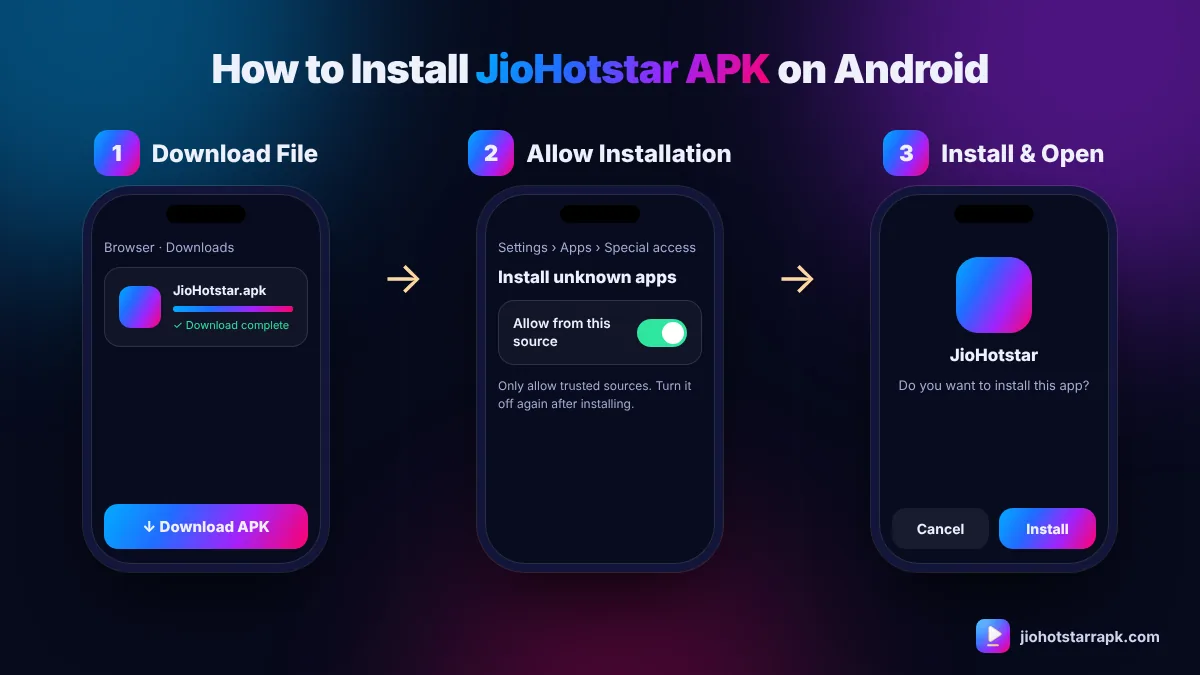
You can download the JioHotstar APK on Android with a couple of taps directly through your browser. Let's discuss it in an easy step-by-step guide.
Step 1: Download File
Open your browser and search for “Jio Hotstar APK Download Latest Version”. Tap the Download button and wait until the file saves to your local storage.
Step 2: Allow for Installation
Open your device Settings > Apps > Permissions and grant permission for the installation of apps from unknown sources.
Step 3: Install App
Locate the file in your local storage. Tap on the Install button and wait a few seconds. Once the installation completes, launch the app to continue viewing.
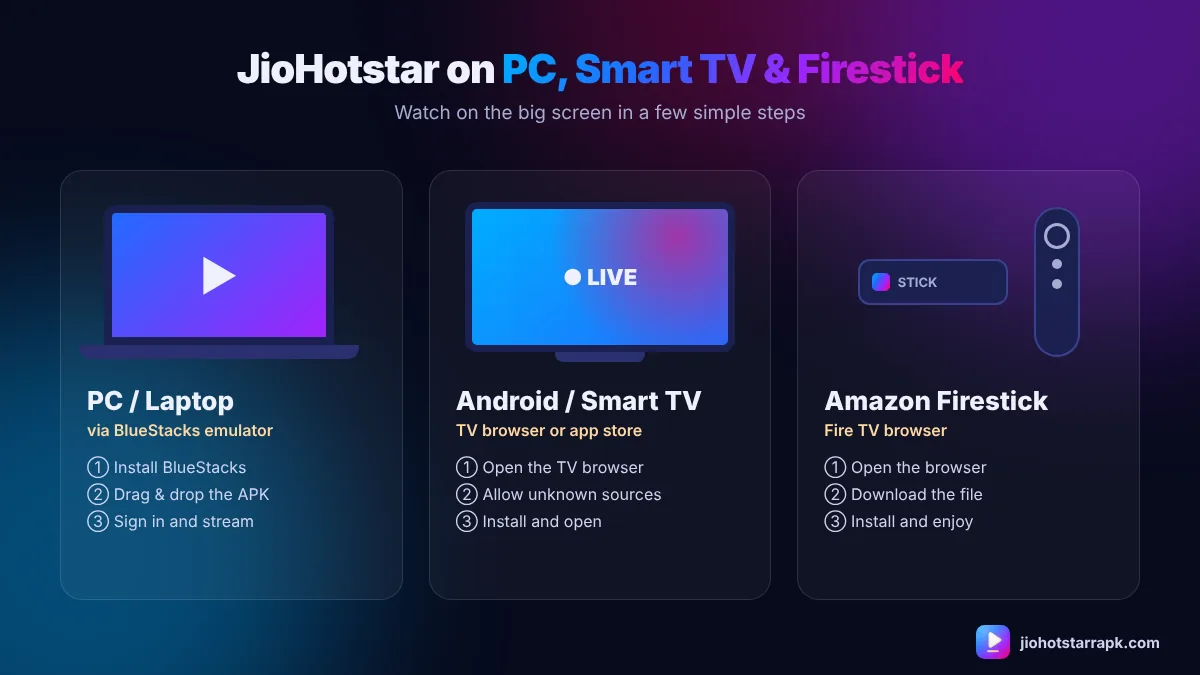
How to Install JioHotstar on PC, Smart TV & Firestick?
As a desktop, Android TV & Firestick user, you can download the JioHotstar app by following the simple methods mentioned below.
On PC
Windows / MacBefore installing the APK you must download an Android emulator on your PC. It's because APK is an Android application so you need the emulator to run Android apps on PC.
- Open the browser on your PC and install BlueStacks.
- Download the JioHotstar app from a trusted source.
- Open the emulator and sign up.
- Once the file is saved, drag and drop it to the emulator and install the app successfully to launch.
On Android TV & Firestick
TV / Fire TV- Open the browser on your Android TV or Firestick.
- Visit the JioHotstar website and download its file.
- Open settings on your smart TV and allow the installation of apps from unknown sources.
- Open the file you downloaded and tap on Install to get the app.
JioHotstar Smart TV App Screenshots
JioHotstar looks just as good on the big screen. These screenshots show the app on Android TV and Firestick — the home page, TV shows, movies, family profiles and multi-screen streaming.
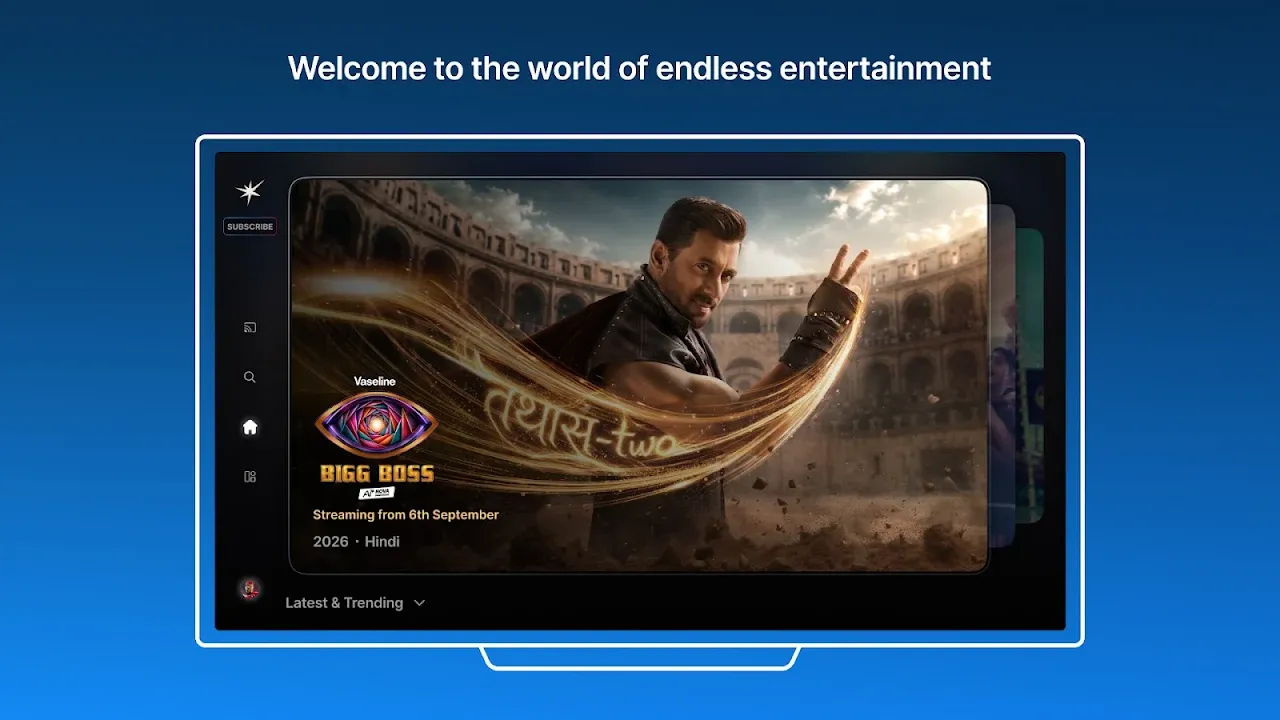
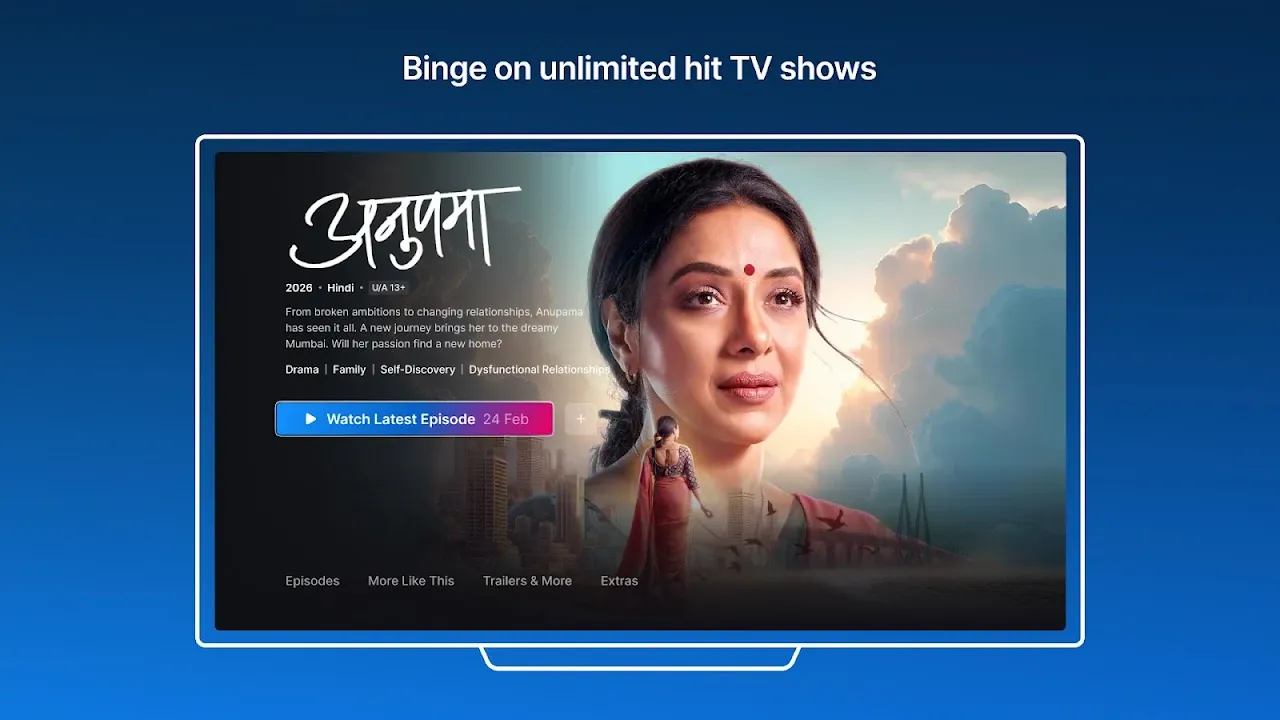
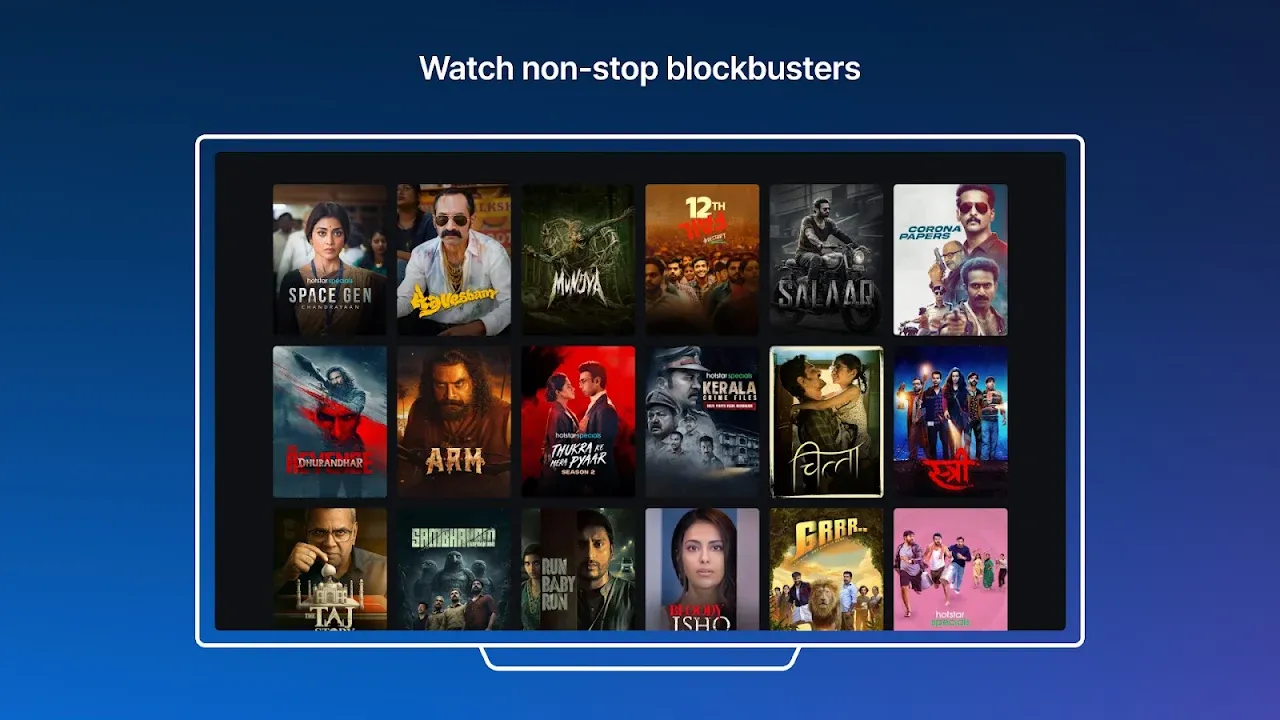
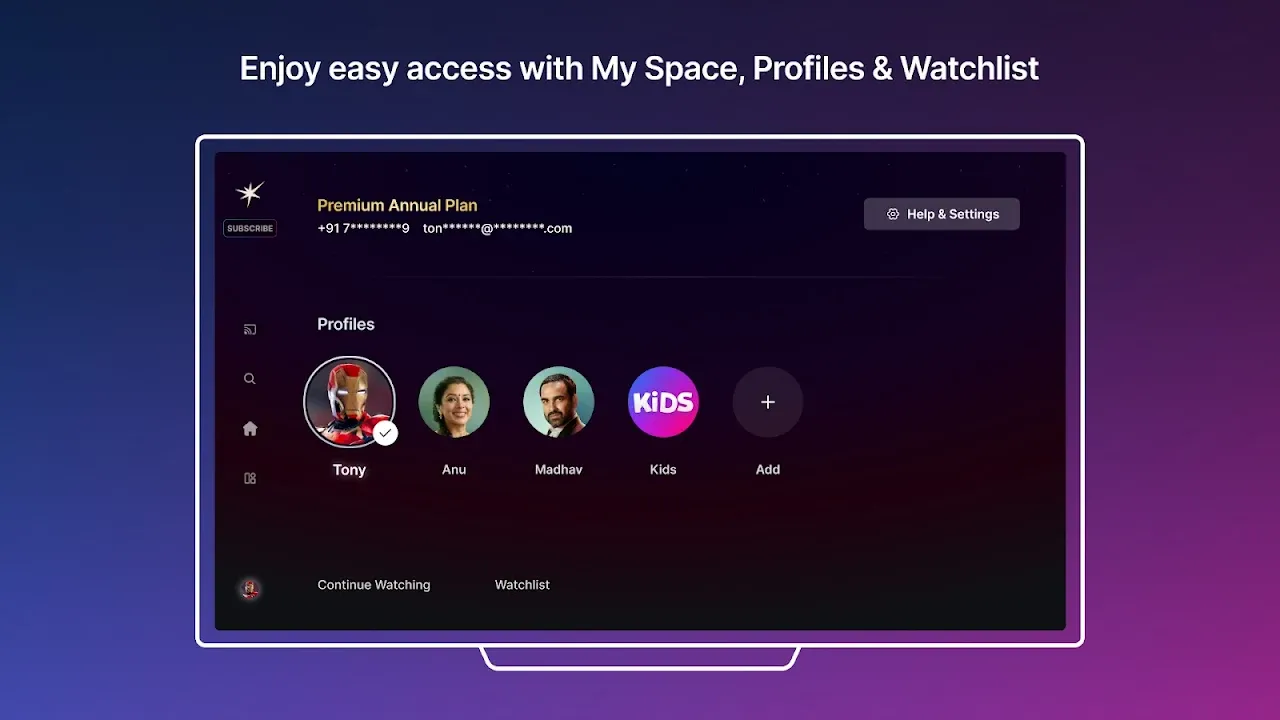
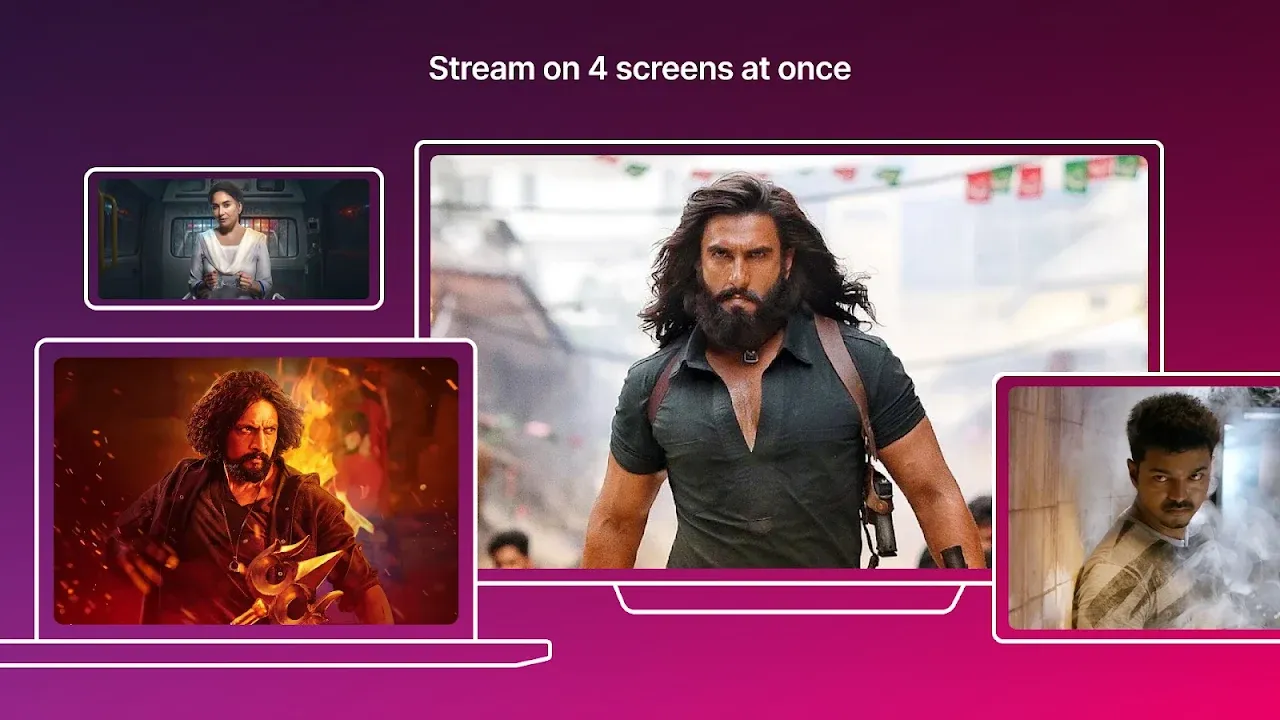
Screenshots: official JioHotstar app listing on Google Play. All rights belong to JioStar India Pvt. Ltd.
What Can You Watch on JioHotstar?
Jio Hotstar is known as a major hub for sports, entertainment, and much more. It comes with an extensive media library to please different audiences such as:
Sports Coverage
After buying one of the JioHotstar plans, you can watch major cricket tournaments including ICC events, IPL, WPL, and other national and international leagues. It also offers Premier League, Wimbledon, ISL, Pro Kabaddi League, soccer, tennis, hockey, wrestling, and other sports channels. You can flawlessly watch live events, highlights, previously played, and upcoming matches on it.
Movies
It lists down Bollywood and Hollywood blockbusters along with exclusive originals. If you love to watch movies then it's a perfect opportunity for you. You can enjoy old, latest, and upcoming movies in Hindi, Tamil, Telugu, Malayalam, Kannada, Bengali, English, and other languages across genres such as horror, crime, spiritual, suspense, action, comedy, and more.
Popular Dramas and TV Programs
It offers a wide range of dramas, serials, and live shows. You can watch your favorite reality shows like Bigg Boss, Koffee with Karan, etc. It also organizes media from Star and Colors networks to update viewers with daily episodes.
Kids' Shows and Animated Content
It brings popular kids' shows, animated movies, international cartoons, anime, documentaries, and educational media. You can set parental controls to restrict mature content before letting kids stream media on the JioHotstar APK. It promotes learning while allowing children to have fun with age-appropriate shows, movies and cartoons.
How to Use the JioHotstar APK?
- Download and install the app from reliable or official sources.
- Log in to your account by using your email or phone number, or create a new account as a new user.
- Choose between various plans that match your budget or continue with free content.
- Open the home menu and browse categories such as Sports, Movies, TV Shows, Originals and Kids.
- Use the search icon to locate media by typing a title or artist.
- Tap on Play to continue viewing.
- Control your playback such as brightness, volume, quality, etc. with simple settings.
- Tap on the languages icon to switch the language or enable subtitles according to your preferences.
- Hit the Download button to save a movie or your favorite episode for convenient offline viewing.
How to Update JioHotstar to the Latest Version?
You can update the JioHotstar APK to optimize performance for reliable streaming in a comfortable environment. Let's discuss it in simple steps.
- Open your browser and search for the official JioHotstar app.
- Visit the website and check if the new version has launched or not. If yes, hit the Download button.
- Uninstall the old app.
- Open settings and grant permission for the app's installation from unknown sources.
- Once the file is saved into your local storage, open it and hit the Install button to update the app successfully.
Alternatives to JioHotstar APK
Amazon Prime Video
PaidOn Prime Video, you can watch movies, web series and Amazon originals. It's a paid online streaming platform that supports HD and 4K, offline downloads, and dubbed audio and subtitles. You can download it free to enjoy your favorite media for seamless fun and entertainment.
ZEE5
FreemiumZee5 is one of the most popular entertainment platforms in India. It offers shows, movies, originals and live news. It supports Hindi and many regional languages, HD viewing and smooth playback. You can subscribe to its premium plans to enjoy high quality, ad-free media for seamless entertainment.
Pluto TV
FreePluto TV is a free, ad-supported streaming service. It offers live channels, shows, series, and latest movies to please different audiences. It's completely free; you can download it from a reliable source to continue viewing whatever you need without a subscription.
HD Streamz
Third-partyHD Streamz is a popular third-party platform for live streams, sports channels, news, and entertainment. It's not available on official stores. In my opinion, you should always follow safety precautions while installing such apps to prevent security issues.
Is the JioHotstar APK Safe?
Yes, the official JioHotstar APK is safe to use. You should always download it from the Google Play Store or a reliable source to prevent issues. It results in safe, high quality, and reliable streams and protects your phone and personal data. Moreover, you should avoid visiting unknown websites that contain malware, steal login details, or show harmful pop-ups and ads. For personal safety, always visit a reliable source, keep the app updated, and use a reliable antivirus tool to scan the app before installation.
How to Get the Best Streaming Experience?
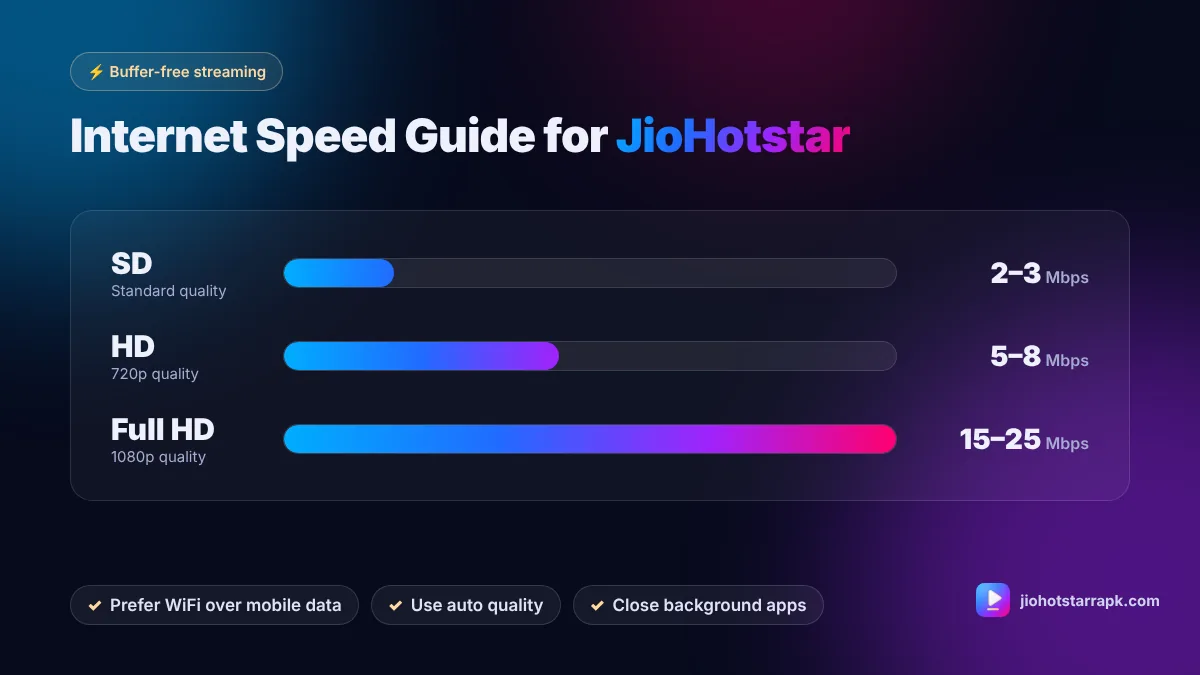
- Choose media quality according to your internet speed, such as 2–3 Mbps for SD, 5–8 Mbps for HD and 15–25 Mbps for Full HD.
- If you have a WiFi device then it's a better option than mobile data. Sit closer to the router and connect with stable WiFi for smooth streaming.
- Select auto quality adjustment for smooth playback.
- Always download and install the application on a compatible device with enough storage and RAM to run the application smoothly.
- If you're a traveler or don't have an active internet connection all the time, download media for offline viewing.
- Close all apps and downloads in the background for reliable viewing.
Common JioHotstar APK Problems & Fixes
Problem: JioHotstar APK Not Installing
Solution
- Allow the installation of apps from unknown sources from device settings.
- You must have free storage on your device to run apps and view media smoothly.
- If the application isn't up-to-date, delete it and install its latest version for a better experience.
Problem: App Crashing
Solution
- Clear the app cache regularly.
- Restart the app or restart your device to prevent crashes.
- Free up your storage or RAM and close recent apps.
Problem: Video Buffering and Slow Streaming
Solution
- Use a stable and active internet connection.
- Lower the media quality for smooth streaming.
- Restart your router or troubleshoot it to optimize internet speed.
Problem: Login Issues
Solution
- Input account details, password and email accurately to prevent login issues.
- Always turn off Do Not Disturb while receiving the OTP.
- Try logging in via phone number instead of email.
Problem: Live Sports Not Playing
Solution
- Refresh the stream to solve minor issues.
- Check if the live sports stream has officially started or not.
- Update the app to its latest version.
Problem: Black Screen Errors
Solution
- Clear the app cache and restart it to run smoothly.
- Reinstall the app from a reliable website or official store for better viewing.
- Disable VPN and ad blocker extensions while streaming.
Problem: App Not Compatible
Solution
- Only download the application if it's compatible with your device (Android 6.0 or higher).
- Try installing its old version if the latest version isn't working.
Pros and Cons
Pros
- Watch live cricket, football, and all other sports.
- Ultimate hub for entertainment seekers with movies, TV shows and originals.
- Supports multiple languages.
- Minimum ads.
- Supports high quality streaming up to 4K quality.
- Multiple devices compatibility including phones, tablets, smart TVs and more.
- Easy search navigation.
Cons
- Its official version isn't fully free; it requires premium plans for reliable streams.
- May lag, crash, or not work properly on low-end devices.
- Ads will interrupt you in free viewing or during trials.
- Requires a fast internet connection.
Conclusion
JioHotstar APK brings entertainment and your favorite live sports streaming options at one place. Unlike before, you don't need to visit different platforms to watch live cricket, football or your favorite TV shows, series, movies, and dramas. It divides all your favorite media into different categories on its friendly interface for hassle-free navigation. Here you can watch multilingual, regional and international media and television programs in full HD quality. Download JioHotstar APK now to bring endless entertainment into your daily life by finding your taste in its extensive media library.
FAQs
Is the Champions Trophy free on JioHotstar?
Yes, as a smartphone user you can stream the Champions Trophy completely free on it with minimum ads.
How to watch JioHotstar in the USA?
You need to download it from a trusted website or official store in the USA to watch whatever you want.
Is it available on iOS?
Yes, you can download its official version from the App Store to run on iPhone, iPad, and other Apple devices.
Can I watch live cricket on it?
Yes, it pleases cricket fans by covering national and international tournaments.
Which Android version is needed?
You need Android 6.0 or higher to download this application and enjoy smooth streaming.
Does JioHotstar support HD streaming?
Yes, it supports HD streaming by letting you watch your favorite shows, live channels, television programs, and much more.
Does Hotstar Premium Mod APK really work?
No, it's a paid application so you need to purchase one of the official JioHotstar plans (from ₹79 a month) before streaming.
Can I watch movies offline on JioHotstar?
Yes, after purchasing a paid subscription, you can download available movies and shows for offline viewing.
Can I use one account on multiple devices?
Yes, but it generally depends on your plan. If you purchased a subscription that supports multiple screens then you can use one account on multiple devices, otherwise it will not work.
Is JioHotstar available in Canada?
Yes, you can download it in Canada to watch live sports, TV programs, and other entertainment media at one place.
Does JioHotstar work outside India?
Of course, it's an international application that works in multiple countries to please audiences with reliable and high quality streaming options.
What is the difference between JioHotstar and Disney+ Hotstar?
JioHotstar is formed with the combination of JioCinema and Disney+ Hotstar. It ensures seamless fun among entertainment and sports fans simultaneously.
Does JioHotstar Mod APK offer everything for free?
No, it's a paid application so you need to purchase its premium plan before streaming. Bypassing its payment verification violates laws and it's considered illegal. Any website that claims to unlock its paid plan for free is generally not safe.
How to watch JioHotstar in Australia?
You can install it from a trusted source or official stores (Play Store or App Store), subscribe to a plan, and continue viewing in Australia and other regions.
More JioHotstar Guides
New Movies on JioHotstar: Latest November 2026 List (14 Picks)
New movies on JioHotstar for November 2026: I'm Game, Minions & Monsters and top Sept-Oct picks by language, date and plan. See what to watch tonight.
Read guide
JioHotstar Customer Care Number 2026: Complete Official Help Guide
JioHotstar customer care number explained: no toll-free line exists, so use these official app, email, grievance and Jio channels and avoid fake numbers.
Read guide
Bigg Boss 20 on JioHotstar: Complete 2026 Guide to Live, Timing & Vote
Bigg Boss 20 streams on JioHotstar at 9 PM, ahead of Colors TV. Find the right plan, 24x7 live feed, voting steps and full contestants list. Read the guide.
Read guide
JioHotstar Login 2026: Easy Step-by-Step Guide for Mobile, Web & TV
JioHotstar login made easy: sign in with your mobile number and OTP on Android, iPhone, web or TV via QR code, plus fixes for OTP errors. Read the guide.
Read guide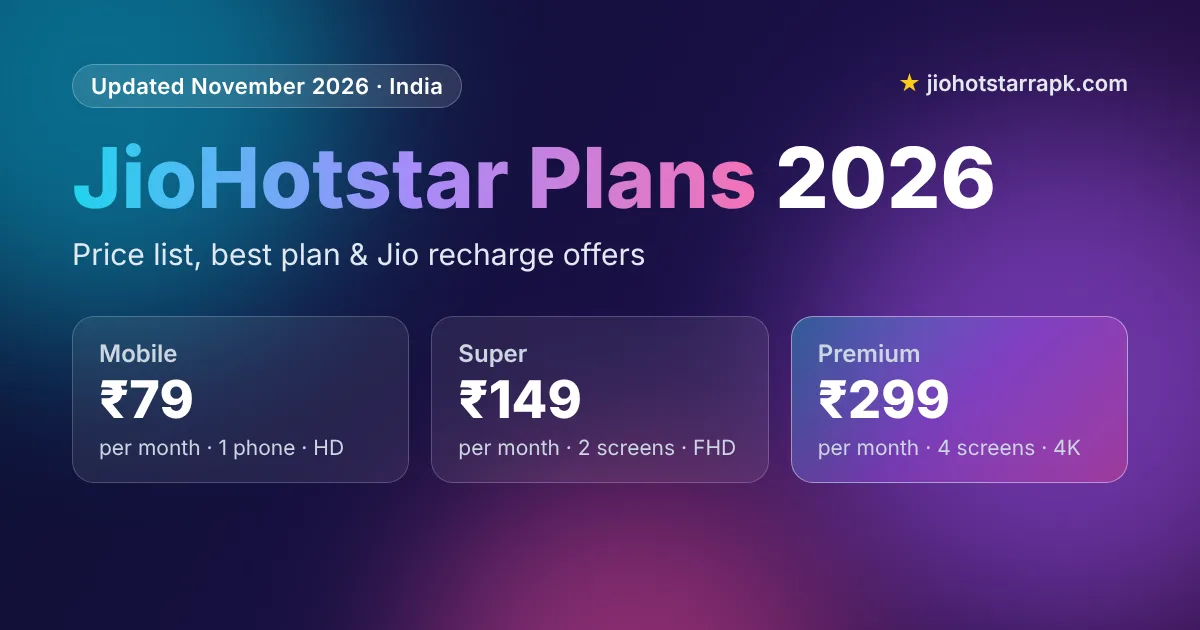
JioHotstar Plans 2026: Price List, Best Plan & Jio Recharge Offers
Compare all JioHotstar plans for 2026: Mobile from ₹79, Super ₹149 and Premium ₹299 a month. See devices, quality, Jio recharge offers and the best plan.
Read guide